Invoices and contracts read and described before anyone opens them.
Invoices, contracts, statements and letters from clients land in one place, and AI recognises their type, reads the data and suggests a description. Your team approves a finished result or fixes the exceptions instead of retyping everything by hand.
- 50,000+ documents processed automatically
- Prototype on your own documents before you commit
- 2 working days to a quote after the call
Documents that eat your team’s time.
- 01
Documents arrive from everywhere
E-mail, a scan, a phone photo, an attachment in the third thread. Before the real work starts, someone has to collect and sort it all.
- 02
Data retyped by hand
Amounts, dates, numbers and counterparties copied from PDFs into the system. Slow, dull and prone to mistakes on every next invoice.
- 03
Plain OCR misses the context
Classic OCR reads the text but cannot tell a cost invoice from a contract or a payment reminder. Every unusual layout needs a manual fix.
- 04
Nobody knows what is missing
At month end it turns out some clients have not sent their documents. Without an automatic list of gaps, someone has to check by hand.
Every document lands where it belongs.
A PDF, an Excel sheet, a contract in Word, an XML file or a receipt photographed on a phone. AI recognises the document type, reads the data you need and sends it to the right system, while fields it is unsure about go to your team for review.
What AI can do.
Collecting documents
- One place for documents from e-mail, scanner and phone
- Document type recognised and assigned to a company
- Duplicate detection
- A list of missing documents for every client
Reading and describing
- Data from invoices, contracts, orders, price lists and letters
- A suggested description and accounting category
- PDF, Word, Excel, XML, scans and photos, in Polish and English
- Uncertain fields flagged for review
Further in the process
- Export to accounting software or an ERP
- An assistant that answers questions about company documents
- Notifications and tasks for the team
- Reports on document volume and types
From a sample to a working process.
- 01 scale assessed
Call and sample
Which documents, how many, where they come from and where they should go. A few examples with sensitive data removed are enough to judge the scale.
- 02 prototype
Prototype on your documents
A first version of the reading on a sample of documents. You see the results and their accuracy before deciding on a full rollout.
- 03 rollout
Rollout into the process
Connected to where documents come from and to the system the data goes into. Plus an approval and correction panel for the team.
- 04 growth
Control and growth
Monitoring of accuracy and cost, new document types and further automation based on real usage.
What document automation costs.
The cost depends on the type and volume of documents and on the systems to connect. After a free consultation you get a staged quote within 2 working days, with an estimate of the monthly AI model cost.
Always included
- Prototype on a sample of your documents
- Approval and correction panel
- AI spending limits and cost control
- Documentation and full access to the code
- Team training
What drives the price
- Document types and how varied they are
- Documents per month
- Systems the data goes into
- Data protection and GDPR requirements
- Extras, such as an assistant over company documents
AI that understands context.
-
Large language models
Gemini, GPT, Claude or the European Mistral, chosen for the task and the cost. They run in a mode where your data is not used to train the model.
-
More than OCR
AI understands the layout and content of a document, so it copes with scans, phone photos and unusual invoice templates.
-
Checked before saving
Rules check tax IDs, totals and dates, and uncertain fields go to a person for approval. Only a checked result reaches your system.
-
Predictable cost
Spending limits and stored results mean every document is analysed once, and the monthly AI bill does not grow unchecked.
Projects that speak for themselves.
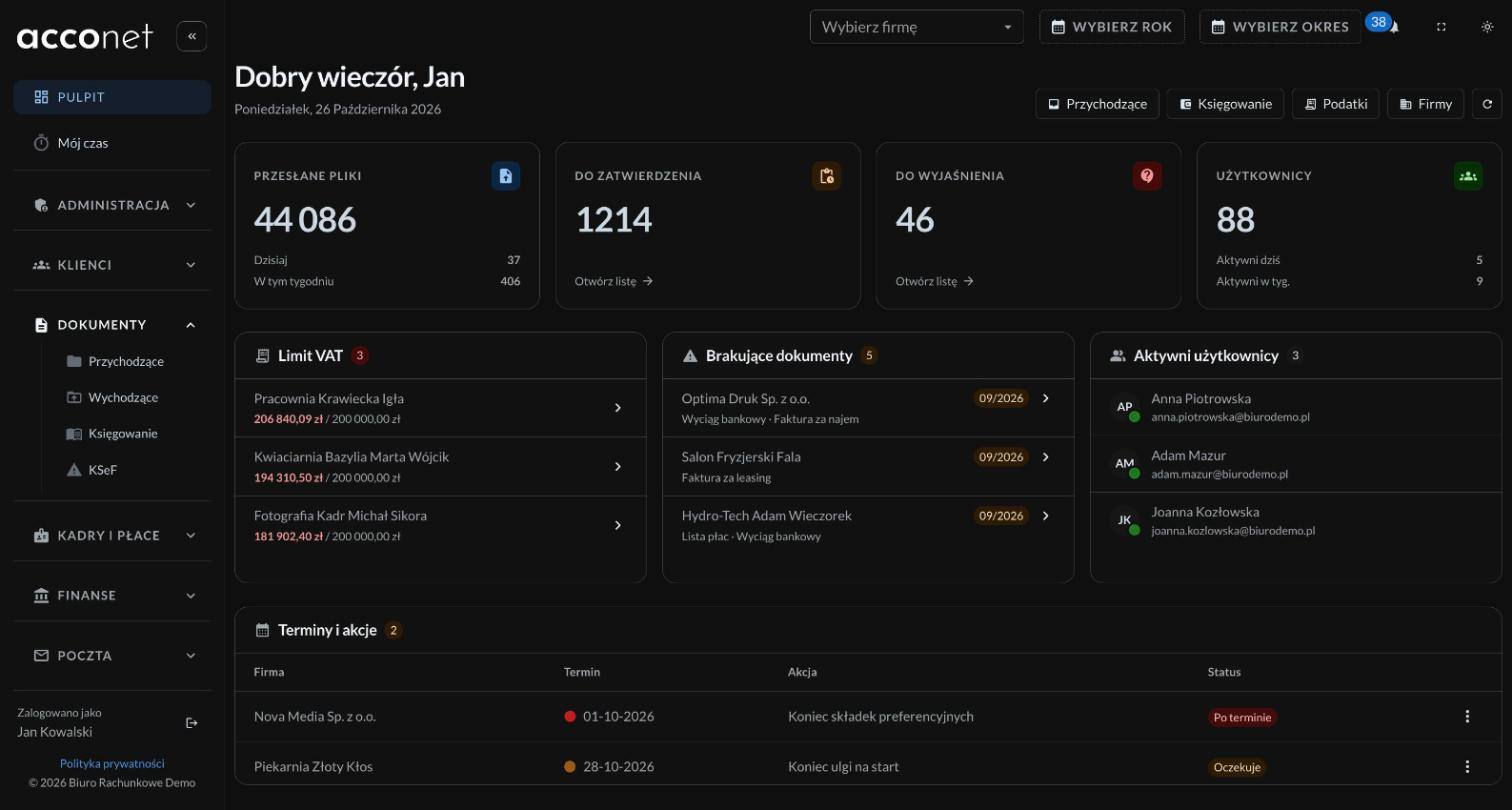
Questions about document processing.
Yours is not here? Ask during the consultation or send a message.
-
Every model sometimes does, so results never move on unchecked. Rules in code check totals, dates and tax IDs, and uncertain fields go to approval.
-
To infrastructure on your own account or a server you choose, in an EU region. The AI model runs through an API in a mode where data is not used for training, and a data processing agreement is standard.
-
Invoices, receipts, contracts, bank statements, orders, price lists and official letters, as PDF, Word, Excel or XML files, scans and photos included. A prototype on a sample of your documents shows how it works in practice before you decide.
-
It depends on the number and length of documents. You get an estimate of the monthly cost with the quote, and spending limits are set from day one.
-
No, and that is not the point. AI takes over retyping and sorting, and people handle decisions, exceptions and client contact.
-
Yes. KSeF invoices already carry structured data, so AI describes and classifies them, while documents outside KSeF, such as contracts or receipts, are read from scratch.
-
With a call and a few sample documents with sensitive data removed. That is enough to judge how much work can be taken over.
The first step is a 30-minute call.
No fees and no strings attached. Describe what you want to build or improve. Within 2 working days you get a quote and a plan, or an honest note that a simpler solution will do.